

Original Description
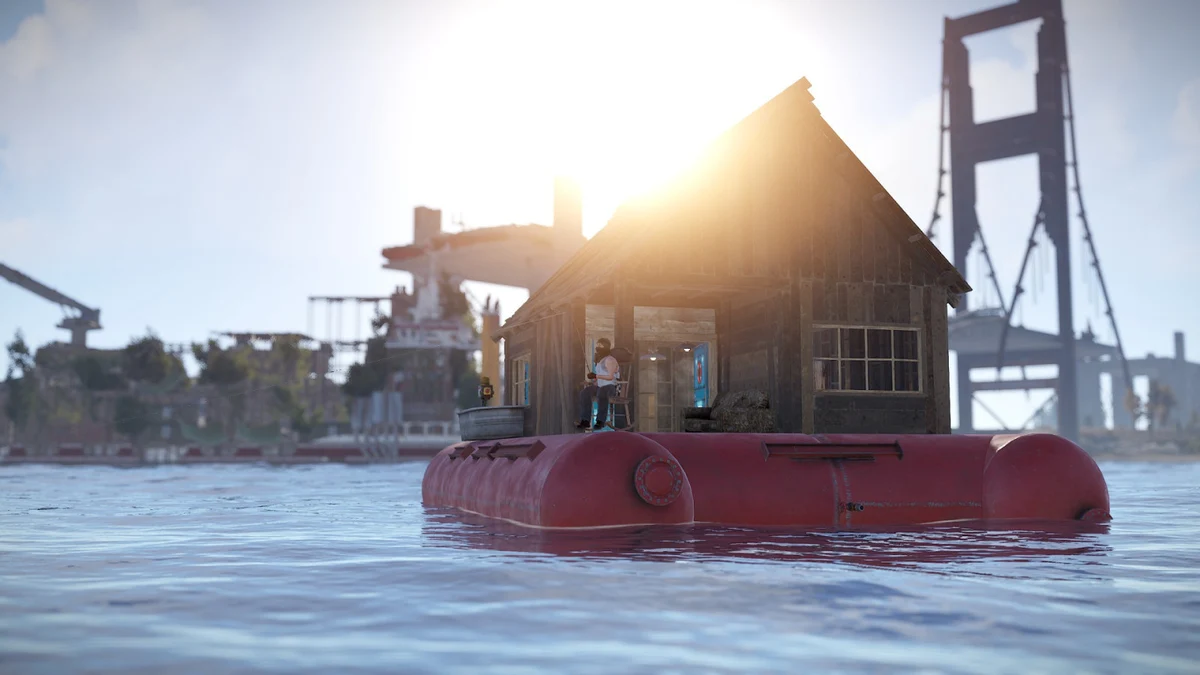
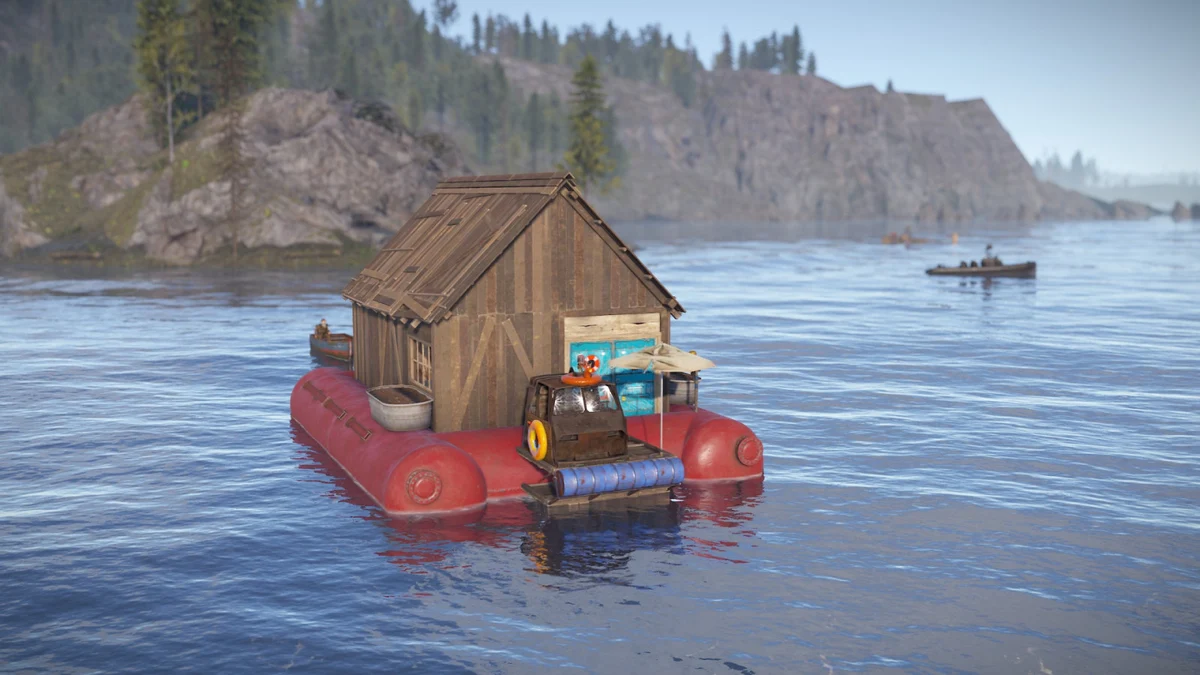
Discover the beauty of nature landscapes with our versatile barges, perfect for transforming into your floating abode. Glide across the waterways effortlessly, be it with the aid of a tugboat/RHIB or by harnessing the power of your own motor. Elevate your gaming experience to new heights with Barges — where every journey is a unique adventure waiting to unfold. Try it for yourself! Map from video – Sunkenland .
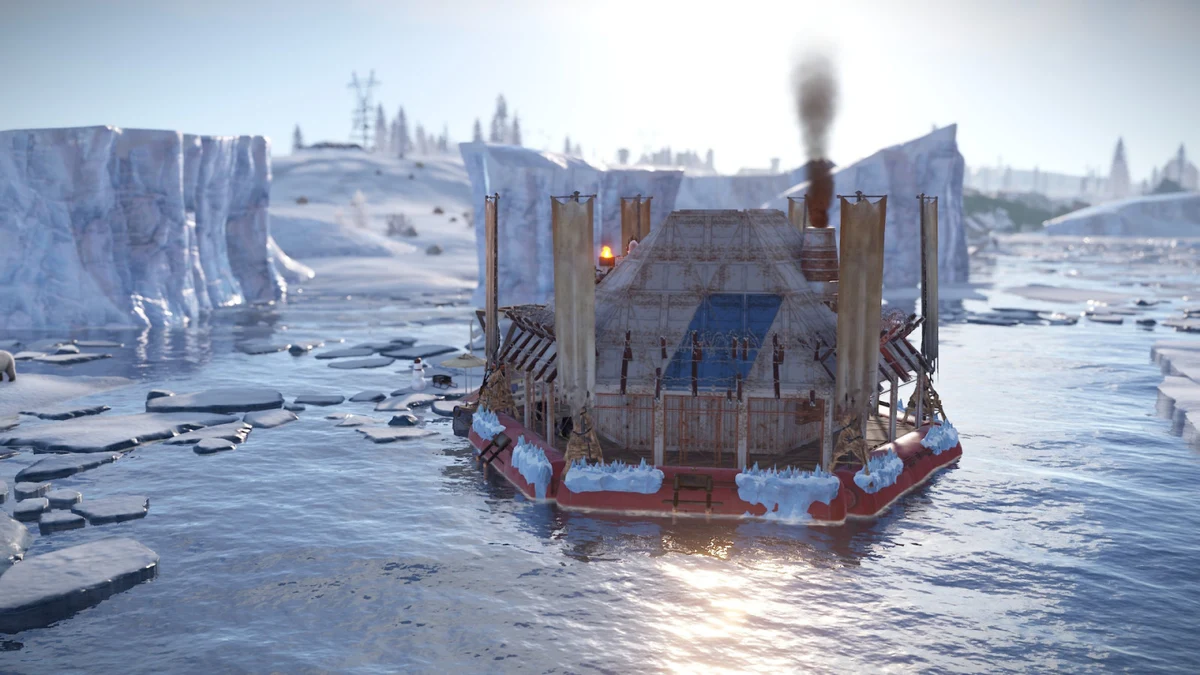
The plugin includes 7 configurable platforms, for each of which you can adjust the number and location of modules, the maximum building height, movement speed and so on.
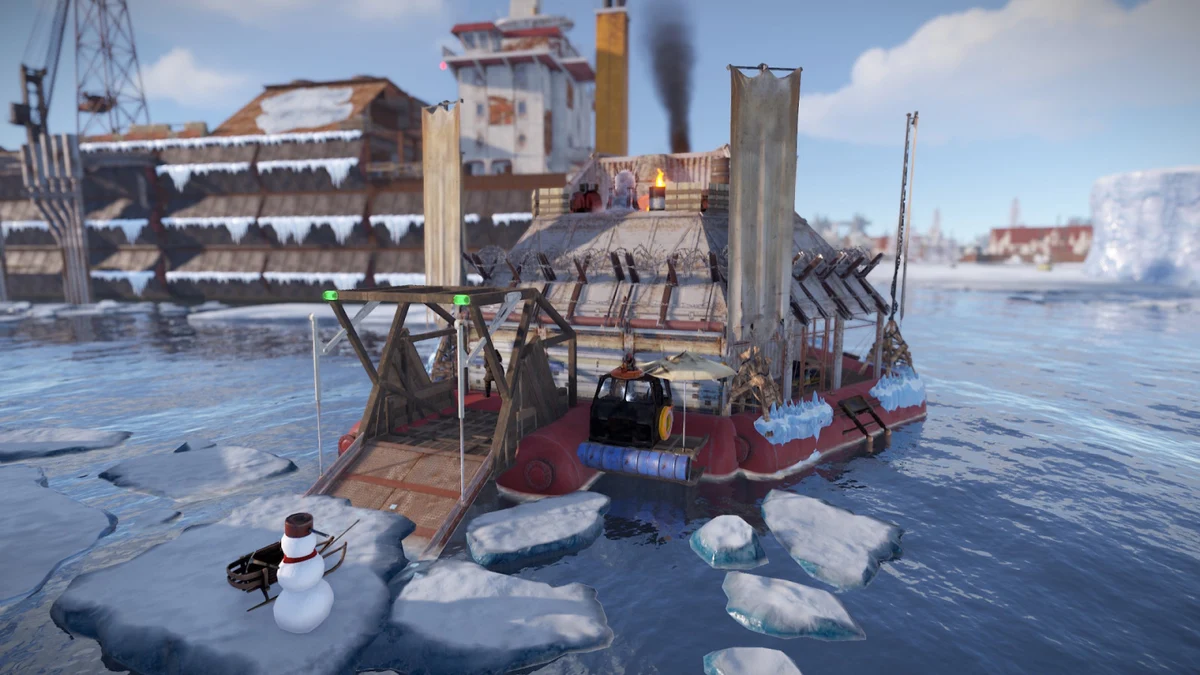
Modules The barges come with a variety of modules that you have the flexibility to enable, disable, or swap out for alternative ones. Access to these modules is restricted to players who are duly authorized in the cupboard.
Connector Allows you to attach to another barge, tugboat, or RHIB. To allow attachment, press the button on the connector. You cannot install more than one module of this type.
Dock Used for attaching boats/submarines to the barge. Just approach it with your vehicle to activate. It can be installed on the barge in any quantity.
Cabin It is used to control the barge. If this module is installed, the barge becomes self-propelled and can move by itself with the help of an engine. To get into it, use the button on the door. To start the engine, fuel must be placed in the fuel tank behind the cabin. You cannot install more than one module of this type.
Ramp It is used for loading and unloading vehicles, such as cars and motorcycles. To open/close the gate, use the button on the post. It can be installed in any quantity.
Anchor The most frequently used module. Press the button to move the barge to the marching position. Pressing the button again will make the barge static, neutralize the influence of the waves and allow you to build.
Chat commands (admin only)
Console commands (RCON only)
Discover the beauty of nature landscapes with our versatile barges, perfect for transforming into your floating abode. Glide across the waterways effortlessly, be it with the aid of a tugboat/RHIB or by harnessing the power of your own motor. Elevate your gaming experience to new heights with Barges — where every journey is a unique adventure waiting to unfold. Try it for yourself! Map from video – Sunkenland .
The plugin includes 7 configurable platforms, for each of which you can adjust the number and location of modules, the maximum building height, movement speed and so on.
Modules The barges come with a variety of modules that you have the flexibility to enable, disable, or swap out for alternative ones. Access to these modules is restricted to players who are duly authorized in the cupboard.
Connector Allows you to attach to another barge, tugboat, or RHIB. To allow attachment, press the button on the connector. You cannot install more than one module of this type.
Dock Used for attaching boats/submarines to the barge. Just approach it with your vehicle to activate. It can be installed on the barge in any quantity.
Cabin It is used to control the barge. If this module is installed, the barge becomes self-propelled and can move by itself with the help of an engine. To get into it, use the button on the door. To start the engine, fuel must be placed in the fuel tank behind the cabin. You cannot install more than one module of this type.
Ramp It is used for loading and unloading vehicles, such as cars and motorcycles. To open/close the gate, use the button on the post. It can be installed in any quantity.
Anchor The most frequently used module. Press the button to move the barge to the marching position. Pressing the button again will make the barge static, neutralize the influence of the waves and allow you to build.
Chat commands (admin only)
Console commands (RCON only)


