UltimateUI guide
Level
Here is an example UI that you can use on your server.
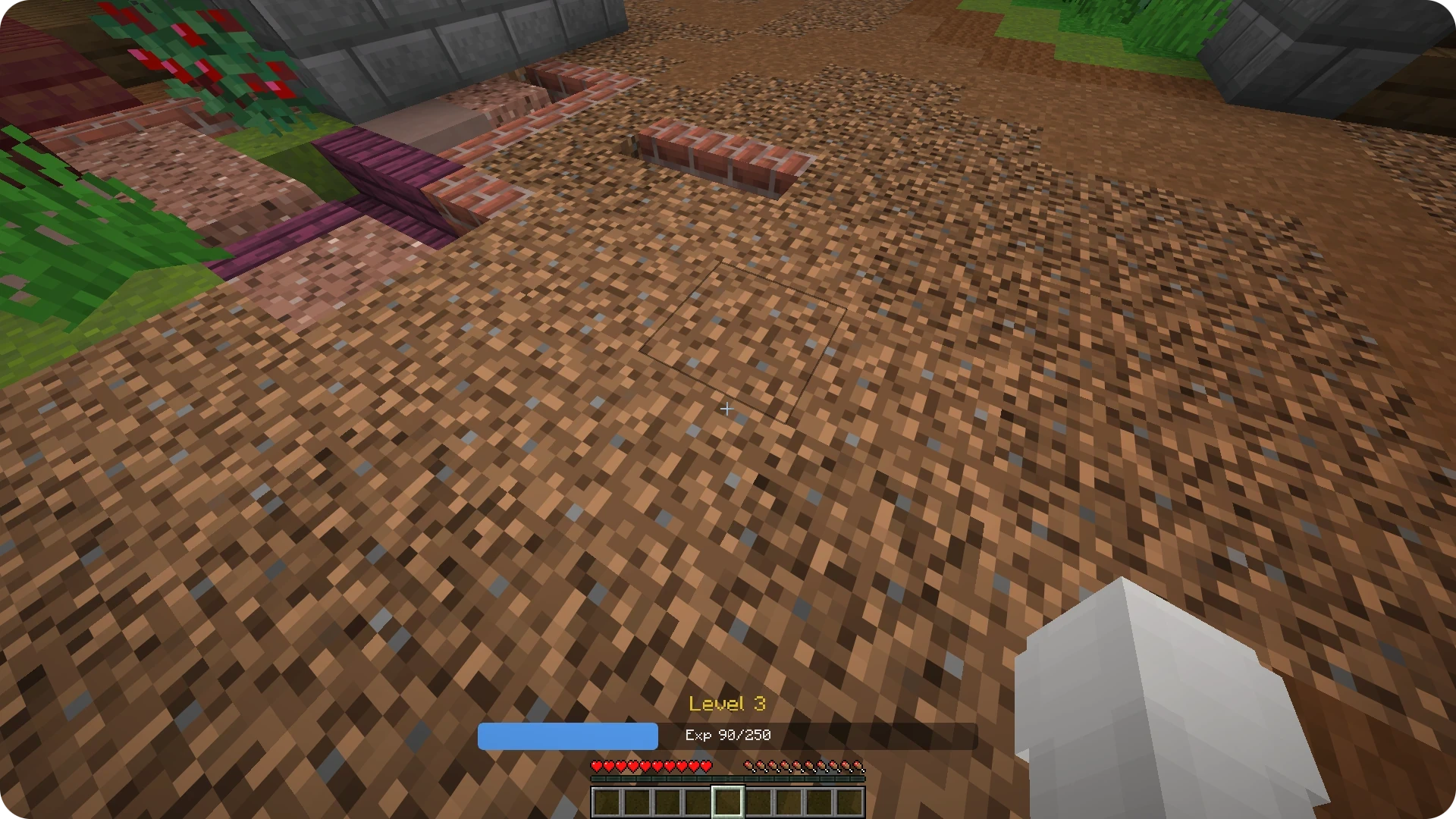
This UI adds a level displayed above the player's hotbar.
How to install#
To install this page, simply place the .yml file into the plugins/UltimateUI/contents/pages/ folder.
To open this UI you can use /uui open stats_level hud command.
You can easily change the bar width and its texts dynamically using placeholders.
Example placeholder for the fill bar width, where %player_level_percent% is the completion percentage of the current level:
  size:
    width: (660/100)*%player_level_percent%
    height: 36.0